Workout log with sets and reps: how to record what you actually trained
What to put in a workout log beyond a check mark: exercises, sets, reps, load and effort. How sessions roll into your day score in revns.
revns editorial · Published November 14, 2026 · 8 min read
Log exercise name, sets, reps, load and effort so you can progress safely. revns stores each training block as a session whose exercises update the day score, with one-line or template import.
A workout log with sets and reps answers one question next week: what did you actually do? A check mark says you trained; a line per exercise says whether you pressed 60 kg for 3×10 or 55 kg for 3×8. That difference is what progressive overload runs on. This guide shows what to write for strength work, runs and classes, how a training session differs from a daily total, and how the multi-sport tracker in revns stores both.
TL;DR
| Question | Plain answer |
|---|---|
| Minimum fields | Date, session type, exercise, sets × reps × load, effort (easy / moderate / hard) |
| Strength example | Squat 4×8 @ 80 kg, RPE 7; Lat pulldown 3×12 @ 45 kg |
| Cardio example | Run 8 km in 48 min, easy; or spin class 45 min |
| Why it matters | You cannot add load or reps if last week is a blank |
| WHO baseline | Muscle-strengthening ≥2 days/week for adults 18–64 |
| revns today | Log a session with exercises, or one line; device sync not live yet |
What should a workout log with sets and reps include?
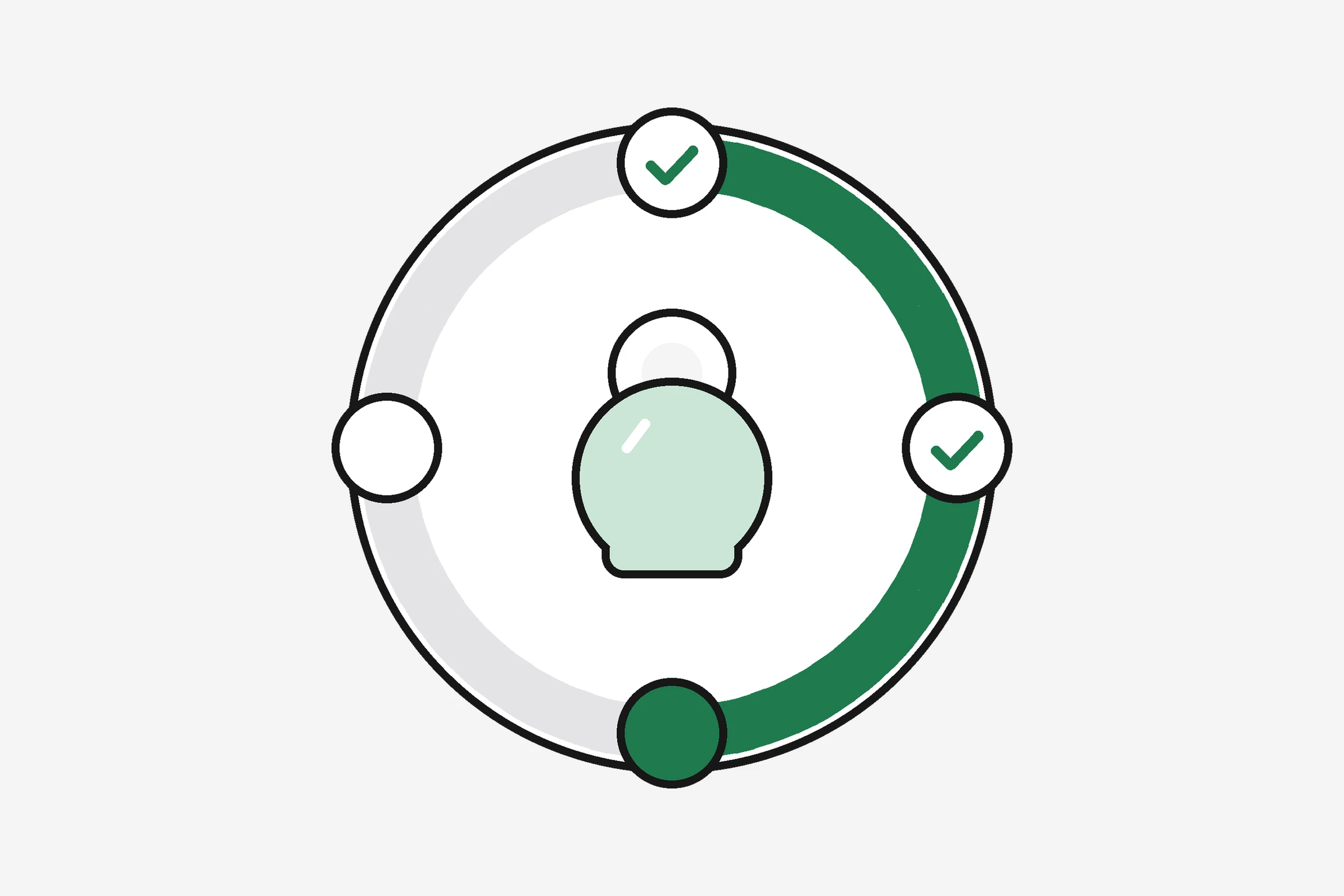
Think in layers. The day answers “did I train?” The session answers “what was the block?” Each exercise answers “what was the stimulus?”
Layer 1 — the day
- Date and optional sleep or recovery note if you use them for planning.
Layer 2 — the session (one training block)
- Type: strength upper, legs, full body, run, ride, swim, yoga, combat class, Hyrox practice, and so on.
- When and how long: start time or total minutes.
- Effort: easy, moderate or hard, or a 1–10 RPE for the main work.
- Distance when the session is aerobic and you care about pace.
Layer 3 — each exercise inside a strength session
- Name you will recognise next month (not only “machines”).
- Sets × reps × load for lifts:
Bench press 3×10 @ 60 kg. - Sets × reps for bodyweight:
Push-up 3×12 (feet elevated). - One-line note if form or pain mattered: “right shoulder tight, stopped last set.”
The American College of Sports Medicine’s position stand on progression models in resistance training for healthy adults (2009) describes typical novice programmes as moderate loads, about 8–12 repetitions, one to three sets, two to three days per week, with load increased gradually as strength improves. A log with sets, reps and load is how you know when that increase is due.
How do you write sets, reps and load without a spreadsheet degree?
Use one fixed shorthand every time:
Exercise name | sets×reps @ load | note
Examples:
| Exercise | Log line |
|---|---|
| Goblet squat | 4×8 @ 24 kg |
| Romanian deadlift | 3×10 @ 70 kg |
| Dumbbell row | 3×12 each arm @ 18 kg |
| Plank | 3×45 s |
| Band pull-apart | 2×20 @ red band |
Load can be barbell total, per dumbbell (say so in the note), machine stack, band colour or “bodyweight only.” What matters is consistency, not gym prestige.
For runs and rides, sets and reps do not apply. Log duration, distance if you track it, and effort (easy conversational pace vs intervals). A spin class is Cycling class 45 min, hard plus optional average heart rate if you measured it.
The free workout log template has columns ready if you still like paper or CSV. You can import a spreadsheet into revns when you switch tools; computed columns are skipped so your own formulas do not duplicate scores.
Why is a session more than a tick on “gym day”?
In training software, a session is one block: the hour in the gym, the 5 km run, the MMA class. It holds what happened inside it. The day’s entry for a metric is what you logged outside sessions plus what those sessions contain. You should not maintain two conflicting stories.
That model matters when you train more than once a day. Morning walk plus evening lifts should show two sessions and one honest day score, not a vague “active.”
It also matters for rotation. A push / pull / legs split scores as one strength session per day in rotation logic: the brief can name the group you trained longest ago. Logging “legs” with exercises beats logging “gym” alone.

How does revns store sessions, exercises and sets?
On revns today you can:
- Open a session from the multi-sport tracker, pick a type from the workout library (strength split, run, swim, yoga, combat sports, Hyrox and others), and add exercises with amounts. Where you log sets, they stay on that exercise row inside the session.
- Type one line on one-line logging:
squats 4x8 80kg, bench 3x10 60kg, slept 7h. The parser matches your metrics and shows chips for what it understood. Unknown words come back to you; nothing is silently guessed into the wrong field. - Import CSV with a date column; recognised headers map to library metrics, and the rest become metrics of their own.
Important product truths:
- Device sync from Apple Health, Strava and Garmin is on the roadmap, not live. A watch may record time and heart rate elsewhere; in revns you still add what you did (sets, reps, class type) until automatic import ships.
- Scores are computed, not typed in. Sessions add detail; the day score still comes from the same rules as habits and sleep.
- Teams never see your raw entries unless you export or share outside the product; team boards use derived scores after consent. See training with friends.
Connect Claude or ChatGPT through MCP if you want an assistant to read last week’s sessions or log a line with your permission. That does not replace learning the shorthand yourself.
What does research say about logging at all?
Logging is not vanity data. Reviews of resistance training progression assume you know prior load before you increase it. The WHO 2020 guidelines recommend adults 18–64 do 150–300 minutes of moderate aerobic activity per week, or 75–150 minutes vigorous, or an equivalent mix, plus muscle-strengthening on two or more days that work major muscle groups. A set-rep log is how you prove the second part happened when life gets busy.
Progression models in the ACSM position stand assume you compare this week to last week before you add load. Trials vary in how much they coach people to keep diaries, but for an individual lifter the logic is direct: if you cannot remember the weight on the bar, you will either repeat the same load too long or jump too fast. Writing work sets removes that guesswork, which is the same information progressive overload needs.
No study can tell your optimal split. They do support a simple habit: write the work set numbers before you leave the gym.
What should you log this week if you are starting fresh?
Beginners (first eight weeks)
Follow the structure in strength training for beginners: two or three full-body or upper/lower sessions. Each session, log four to six exercises, two to three work sets, reps in the 8–12 range for most lifts, and load. Note RPE 7–8 (about two reps left in the tank).
Example Monday:
- Goblet squat 3×10 @ 20 kg
- Push-up 3×8 (incline)
- One-arm row 3×10 each @ 14 kg
- Plank 3×30 s
Before Friday’s session, read Monday’s numbers and add one rep per set or 2.5 kg when every set looked clean.
Runners and lifters in the same week
Log two sessions per day when it happens: Run 6 km easy 42 min and Strength lower 40 min with lifts listed. Check rest days so hard runs and hard legs do not stack without a plan.
Returning after a break
Log the same loads as your last successful week, not your personal best from a year ago. Use workout trends or the guide to reading workout trends after four weeks, not after every session.
Vegetarian, vegan, eggetarian and non-vegetarian trainees
Food does not change the log format. After hard leg day, note if recovery felt flat; pair that with protein at the next meal (dal, tofu, eggs, fish or chicken as you eat) from how much protein per day.
How do you keep the habit of logging?
Keep the routine small so it survives a busy week. Decide the shorthand once and do not change it. Write each work set right after you finish it, while the numbers are fresh. Do not try to rebuild the session from memory in the car.
Review the log for two minutes before each session. Look at last week's load and reps for each lift, then decide the target for today. If you skipped a week, repeat the last logged numbers. A log you check is worth more than a perfect log you never open.
If you train in a gym with no phone signal, use paper or the notes app and enter the lines later. The format matters more than the tool.
When should you log effort, pain or missed sets?
Log effort when load is ambiguous: bands, machines without kg labels, or bodyweight progressions. A single word (hard, RPE 9) saves you from misremembering.
Log missed sets honestly (Set 3 skipped, form broke down) so you do not chase weight that your technique cannot support.
Stop and seek help for sharp pain, a pop with sudden pain, swelling, numbness or tingling that spreads, chest pain on effort, fainting or severe shortness of breath. Ease off and book a clinician if joint pain repeats at the same movement for two weeks, if you feel faint when standing, or if you are pregnant and have bleeding, fluid leakage or contractions with exercise. This is training guidance, not emergency care.
How does a session log show which muscle group is due next?
When each session has a type (push, pull, legs, upper or lower) and a date, the log can show which group you trained longest ago. That group is the one due next. Workout split tracker: muscle groups due next covers how to label sessions so this stays clear.
When is a one-line log enough instead of a full sets-and-reps log?
For most days a short line is enough to show that you trained and what you did. Use the full sets-and-reps log when load matters, for example when you chase a heavier lift. Simple workout tracker: log a day in ten seconds covers the quick format, and you can add detail to a session later.
Related
- Workout split tracker: muscle groups due next
- Strength training for beginners
- Progressive overload in plain words
- Rest days: how many you need
- Is your training going up or down?
- One-rep max calculator
- Multi-sport tracker
- Apple Health workout tracker: one training log
- Simple workout tracker: log a day in ten seconds
- One-line logging
This is general training guidance, not medical advice.
Sources
Terms in this post
revns publishes training and nutrition guidance, not medical advice. See a clinician for symptoms, injury or a medical condition. Accurate as of November 14, 2026.