Import your workout spreadsheet and keep every column
Years of tracking should not be lost when you switch tools. Export your sheet as CSV with a Date column and import it: recognised columns such as steps, sleep, squats, protein, weight and stool type map to the library, every other column becomes its own metric with its kind and target inferred from your data, and columns your sheet computes, such as scores and averages, are skipped. Importing the same days again updates them.
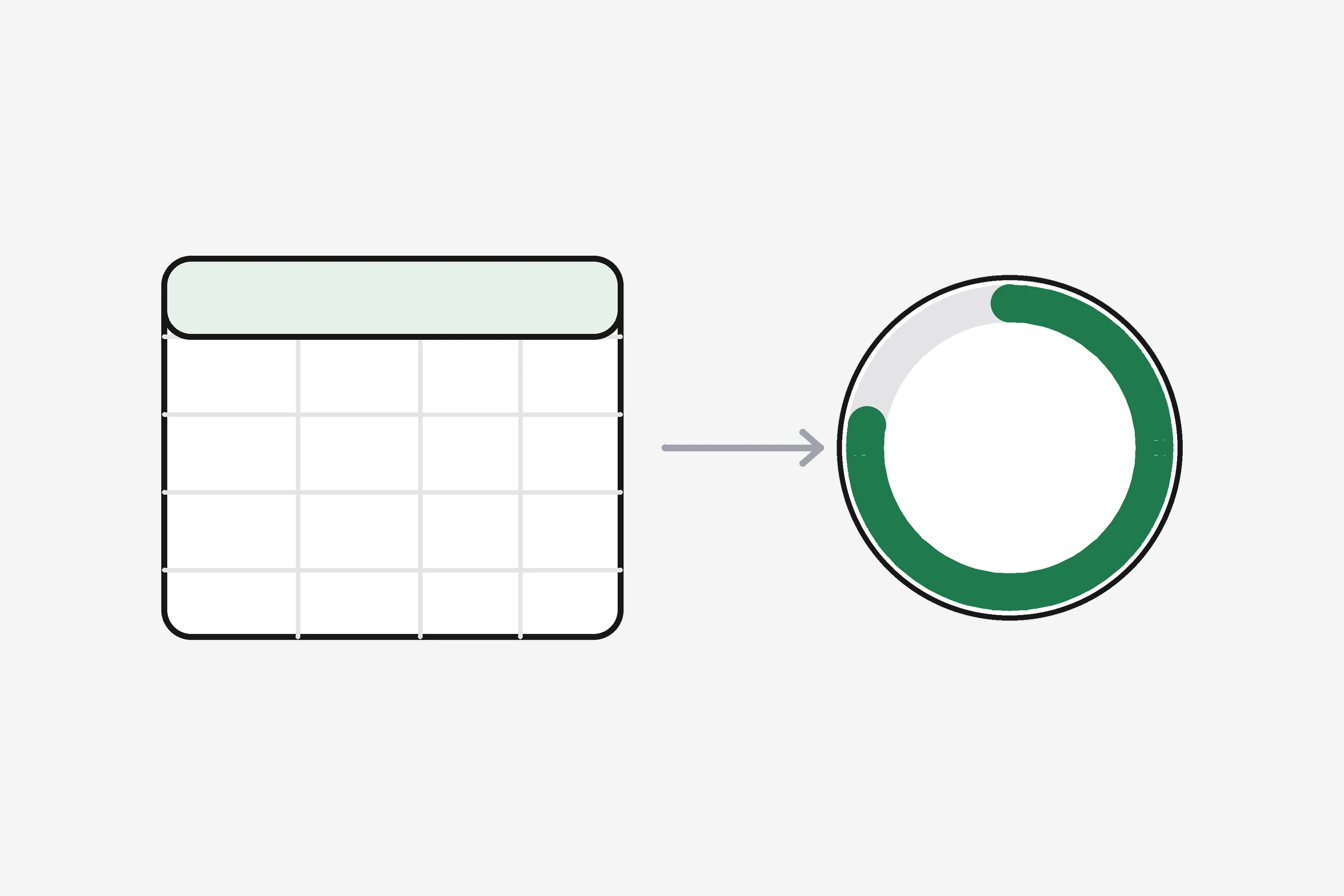
How it works
- 1
Export your sheet as CSV
From Google Sheets, Excel or Numbers. Keep a Date column.
- 2
Import it
During onboarding or any time from Data in.
- 3
Read the summary
Matched columns, new metrics, and skipped columns with the reason.
- 4
Carry on
Your history powers the brief, trends and week plan from day one.
1,462 values over 48 days
- Matched: Steps, Squats, Push-ups, Plank, Sleep, Recovery, Protein, Weight, Waist
- New metrics: Self-defence class, Extra legs, Surya namaskar
- Skipped: Workout score, Health score, 7-day avg (computed from other columns)
Header-driven
Nothing is hard-coded to one sheet. Day-first and month-first dates are detected.
Safe to repeat
The same metric on the same day is updated, never doubled.
Start from a template
No sheet yet? Download the free template and start there.
Who uses it
"Three years of my sheet came across, including the odd columns I invented."
"My coach's template imported cleanly and each column became a metric."
"I imported, looked around, and kept the sheet as a backup."
Illustrative examples of how people use the feature.
Questions
Which columns are recognised?
Common names for steps, distance, squats, push-ups, pull-ups, plank, strength split days, runs, swims, stretching, meditation, sleep, recovery, nutrition on plan, protein, water, weight, waist, fibre, caffeine, bowel movements and stool type.
What happens to columns it does not recognise?
They become new metrics. A column of TRUE/FALSE becomes a check metric; numbers become a number metric with a target set from your typical value.
What date formats work?
YYYY-MM-DD, and day-first or month-first dates such as 25/09/2026 or 09/25/2026; the order is detected from your data.
Does importing overwrite what I logged in the app?
Only for the same metric on the same day, where the imported value replaces it.
Free calculators
Your first brief is one entry away
Pick an objective, tell it how you eat, log one thing.