Apple Health workout tracker: keep Apple Watch workouts in one training log
Apple Watch stores runs, lifts and steps in Apple Health. Here is what it records, how WHO and CDC activity targets fit, and how to log workouts in revns today.
revns editorial · Published November 14, 2026 · 8 min read
What Apple Health and Apple Watch store, how that maps to strength and cardio guidelines, and how to keep one multi-sport log in revns while device sync is still on the roadmap.
An Apple Health workout tracker setup already holds what your Apple Watch or iPhone recorded: workout type, start time, duration, distance, heart rate and estimated energy. It is excellent for proof you moved. It is weaker at answering what you trained, whether you hit your strength minimum, and how the week lined up with sleep and food. A single multi-sport tracker turns those pieces into one day score and one week plan. On revns, automatic Apple Health import is on the roadmap and is not live on the web today; until it ships, copy or dictate the fields that matter into one-line logging or a training session.
TL;DR
| Question | Plain answer |
|---|---|
| What Health stores | Workout samples with activity type, duration, distance, heart rate; daily steps; sleep; resting heart rate |
| What it misses for lifters | Sets, reps, loads, rotation group, RPE, class detail |
| Activity floor (adults) | ≥150 min moderate cardio or ≥75 min vigorous plus ≥2 muscle days per week (CDC, WHO) |
| revns today | Log manually: one line, sessions, template import; no live Health sync on web |
| Best weekly habit | Sunday: paste watch totals + note strength sessions; check trends |
| Red flags | Chest pain, fainting, irregular heart rate with symptoms — clinician, not a ring |
What does Apple Health record from a workout?
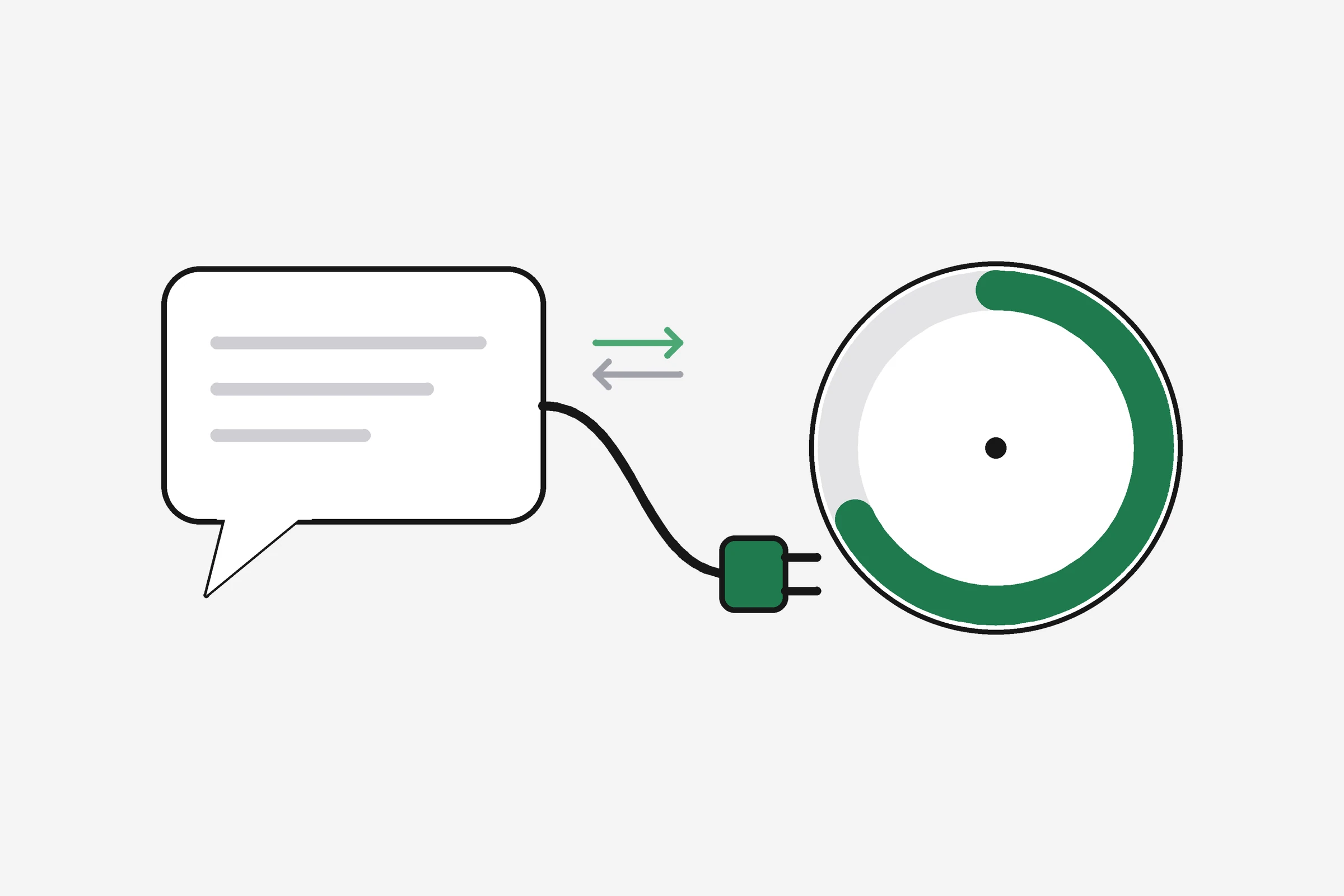
Apple’s Apple Health app on iPhone is the hub. Apple’s public materials describe the Fitness app and Activity rings tracking steps, distance, flights climbed, and workouts from the watch and from third-party apps, rolled into daily move goals. Developer documentation defines an HKWorkout as a sample that stores information about one physical activity, including its activity type and duration (Apple Developer Documentation: HKWorkout).
In plain terms, when you finish an Outdoor Run, Strength Training, Yoga, or Swimming session on Apple Watch, Health usually keeps:
- Start and end time
- Workout type (the label you picked or the app used)
- Duration and, for many sports, distance
- Average heart rate during the effort, when the watch was worn snugly
- Estimated active energy (calories), which is a model, not a lab measurement
What Health does not automatically know:
- Barbell loads, reps, and set count unless you type them in another app that writes to Health
- Which muscle rotation you meant (push, pull, legs)
- Session quality (easy technique day vs max effort)
- Food, mood, gut, or pain beside that workout
That gap is why people search for an apple health workout tracker that also behaves like a training log, not only a timeline of colored workouts.
Why keep Apple Watch workouts in one training log?
Three problems show up when the watch data stays siloed:
1. Strength disappears on paper. Two ring closures and a “Functional Strength” bubble prove time, not progressive overload. National guidelines still ask for muscle-strengthening on two or more days per week that work major muscle groups (CDC adult activity overview, 2023). If your log only shows “Exercise 32 min,” you cannot tell whether you hit two real lifting days.
2. Cardio and lifting fight for the same week. Hybrid athletes stack Hyrox, running, BJJ, and lifting. A single log with cadence rules stops every day from becoming medium-hard. The heart rate zone calculator helps set easy days; the log shows whether you actually took them.
3. Recovery context is elsewhere. Sleep hours, resting heart rate, and HRV often live in Health, while meals and stress live in your head. Connecting them is how you notice three short nights before a failed squat day. Sleep tracking in revns and a plain slept 6h in a quick log line do the same job manually today.
Behaviour-change research keeps returning to self-monitoring: when people see behaviour, they often change it. Michie and colleagues meta-regressed 122 evaluations of physical-activity and healthy-eating interventions against 26 behaviour-change techniques in Health Psychology (2009). Prompt self-monitoring of behaviour explained the greatest share of between-study heterogeneity (13%) in that model. Copying watch totals into one honest log is the low-tech version.
How do CDC and WHO targets map to Apple Watch data?
Both WHO and CDC publish the same adult floor most readers know:
- At least 150 minutes of moderate-intensity aerobic activity per week, or
- At least 75 minutes of vigorous activity, or an equivalent mix, and
- Muscle-strengthening activities on two or more days that work legs, hips, back, abdomen, chest, shoulders, and arms (CDC adult activity overview, updated 2023; WHO physical activity fact sheet, 2026).
Apple Watch Exercise minutes often track brisk effort toward the aerobic bucket. They do not replace a strength log. Treat rings as one sensor, not the whole scorecard.
| Your watch says | Counts toward | Still log separately |
|---|---|---|
| 45 min Outdoor Run | Aerobic minutes | Effort (easy vs intervals) |
| 30 min Functional Strength | Partial time, unclear load | Exercises, sets, reps, load |
| 10k steps | Daily movement | Whether steps were restorative or rushed |
| 7h 20m sleep | Recovery input | Mood, stress, soreness |
WHO’s 2026 fact sheet also reminds readers that any movement beats none and that sedentary time carries its own risks. A watch nudge plus a walking lunch still belongs in the same weekly review as your deadlift day.
How do you log Apple Health workouts in revns today?
Product truth for this article: automatic sync from Apple Health into the revns web app is not live. The roadmap lists Apple Health, Health Connect, Strava, and Garmin. Until import ships, use one of these patterns.
After each workout (two minutes)
Open Health → Browse → Activity → Workouts → tap today’s entry. Note type, duration, and distance. Dictate or type a line in revns, for example:
run 8k 48min avg hr 148, slept 7h, 11k steps
On strength days, add detail Health will not carry:
squat 4x8 100kg, rdl 3x10 80kg, bench 3x8 60kg, avg hr 125, 8k steps
The workout log with sets and reps guide shows the session layout when loads matter.
Sunday weekly paste (five minutes)
- In Health, scan Workouts for the week. Count lifting days vs cardio days.
- In revns, open trends or your spreadsheet export. Compare training minutes, steps average, and sleep average to the prior week.
- If lifting days are under two, schedule them in the AI week planner before adding more cardio.
Bulk import path
If you already export CSV from another tool, spreadsheet import maps known columns to metrics. Unknown columns become custom metrics. This is slower than future Health sync but works now.
MCP and voice
If you use Claude or ChatGPT with revns MCP, the quick_log tool accepts the same plain sentence with your permission. It is not a medical record; keep clinician instructions separate.
What will automatic Apple Health sync change?
When sync ships, expect steps, sleep, resting heart rate, heart rate during workouts, and workout duration to flow in first. That matches how most platforms treat HealthKit: summary samples, not every set.
You will still want to:
- Confirm workout type maps to your rotation (e.g., “Functional Strength” → your push day metric)
- Add sets and reps for barbell work inside a training session
- Review duplicates if you also type a line the same day
revns scores one total per metric per day. Sessions hold detail; the day holds the number the day score reads. That design avoids double-counting once Health and manual logs meet. See how revns reads workout trends for why 7-day averages matter after sync.
What are limits of Apple Watch strength tracking?
Apple’s workout list includes Functional Strength Training and Traditional Strength Training. The watch can raise heart rate and duration; it cannot read plates on a bar.
| Limit | Practical effect |
|---|---|
| No set/rep capture | Load progression needs your words |
| Wrist heart rate on heavy sets | Often lags; use RPE in the log |
| Short “functional” sessions | May undercount rest between heavy sets |
| Third-party gym apps | Quality varies; check what they write to Health |
For vegetarian, vegan, eggetarian, and non-vegetarian eaters alike, the watch also does not log protein at lunch. Pair workouts with how much protein per day targets in the same log.
What should you do this week?
- Turn on Health permissions for Workouts, Steps, and Sleep on iPhone if they are off.
- Pick two anchors: one aerobic metric (run minutes or steps) and one strength metric (days trained or session type).
- Log every training day for seven days with one line or one session, copying watch duration and heart rate when useful.
- Check guidelines: did you hit ≥2 strength days and ≥150 moderate minutes or your chosen equivalent? Adjust next week before buying new gear.
- Share trends, not raw Health access, with a coach or partner. Teams show scores you consent to, not your entire medical library.
When should you see a professional?
Consumer wearables sometimes flag high heart rate, low HRV, or irregular rhythm. Those are screening nudges, not diagnoses.
Seek urgent care for chest pain, fainting, stroke symptoms, or trouble breathing at rest.
See a clinician promptly for palpitations with dizziness, a resting heart rate that jumps for days, injury pain that worsens with training, or depression or anxiety that lasts weeks. In the US, call 911; in the UK, call 999; elsewhere use your local emergency number. If you think about harming yourself, contact emergency services or a crisis line in your country immediately.
Related
- Simple workout tracker: log a day in ten seconds
- Workout log with sets and reps
- How many steps per day do you actually need?
- Multi-sport tracker feature
- Heart rate zone calculator
This is general training guidance, not medical advice. Apple product names are trademarks of Apple Inc. revns is not affiliated with Apple. We do not provide clinical interpretation of heart alerts from any device.
Sources
- CDC: Adult activity overview — Physical Activity Guidelines for Americans (December 2023)
- WHO: Physical activity fact sheet (November 2026)
- WHO: WHO guidelines on physical activity and sedentary behaviour (2020)
- Apple: Apple Health (consumer overview)
- Apple Developer Documentation: HKWorkout
- Michie S et al. Effective techniques in healthy eating and physical activity interventions: a meta-regression. Health Psychology (2009)
Terms in this post
revns publishes training and nutrition guidance, not medical advice. See a clinician for symptoms, injury or a medical condition. Accurate as of November 14, 2026.