How to track workouts in a spreadsheet: free template for Google Sheets and Excel
One row per day, clear columns for lifts, runs, sleep and recovery. Build a workout log spreadsheet, avoid double-counting, and import into revns when you are ready.
revns editorial · Published November 18, 2026 · 7 min read
Use one row per day, fixed column names, and TRUE or counts for training. The free revns CSV opens in Google Sheets or Excel and can import without duplicate days.
A workout log spreadsheet is still the default for many lifters and runners because one row is one day, every column means the same thing next month, and you own the file. The useful layout is not fancy: date, what you trained, numbers you care about (sets, kilometres, sleep, recovery), and one note column for pain or travel. A workout log spreadsheet template should open in Google Sheets, Excel or Numbers without reformatting. This guide shows how to build that layout, what to log at each level, mistakes that break trends, and how the free workout log template on revns fits. When you want scores and import, spreadsheet import reads the same CSV.
TL;DR
| Piece | Rule |
|---|---|
| Rows | One row per calendar day, oldest at top or bottom — pick one and keep it |
| Columns | Stable names: Date, split label, main lifts, run km, sleep h, recovery 1–5, weight |
| Strength | Counts (squats 40) or a note (bench 3×10 60 kg); not only TRUE if you chase load |
| Cardio | Distance or minutes plus effort (easy / moderate / hard) |
| Self-monitoring | Burke et al. 2011 review: recording intake and weight helps when it is consistent |
| WHO baseline | Muscle-strengthening ≥2 days/week for adults 18–64; the sheet should show it |
| revns | Download CSV → log → import; iPhone reads Apple Health read-only; Strava, Garmin and Health Connect not live yet |
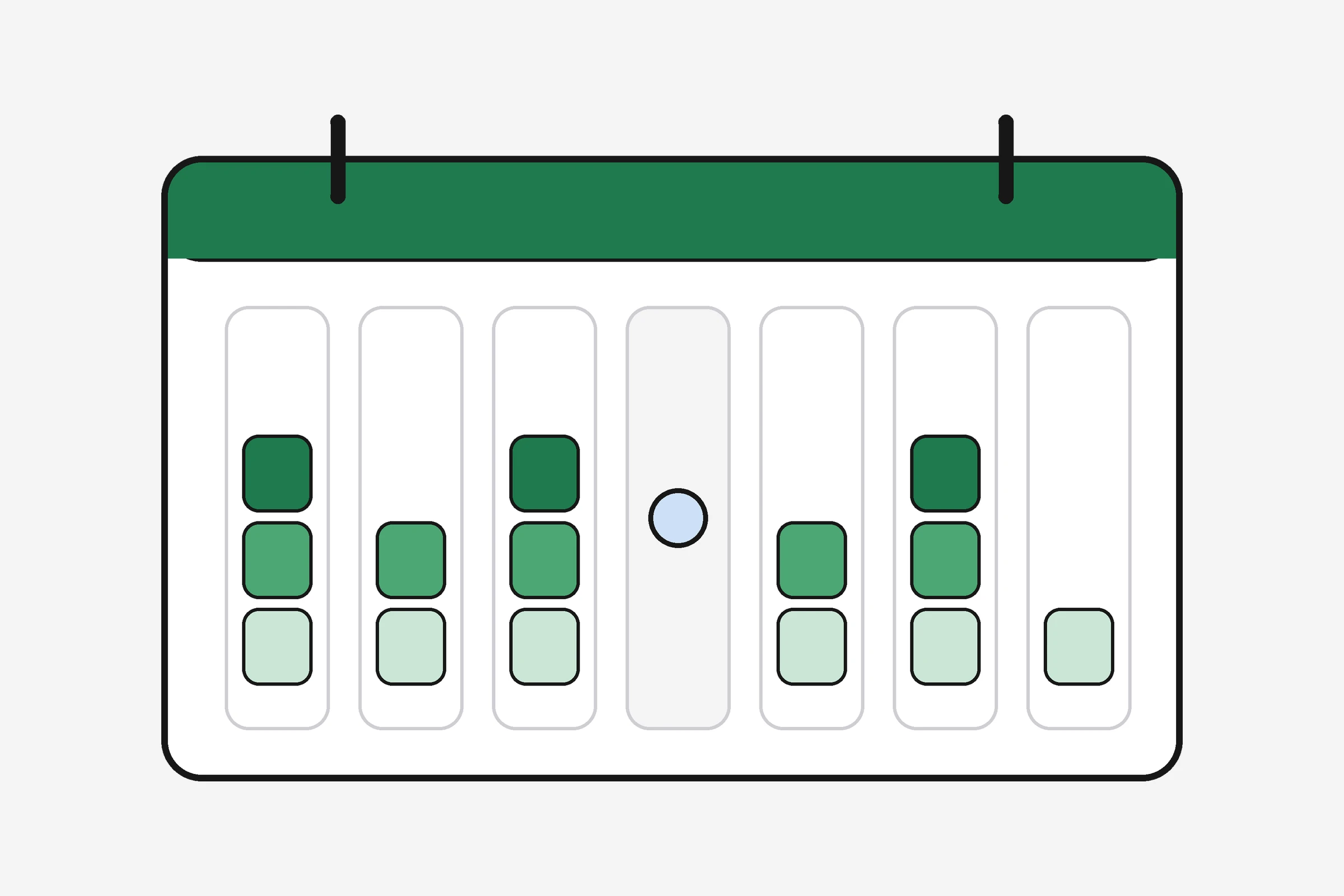
What columns should a workout tracker spreadsheet have?
Start from questions you will ask in four weeks:
- Did I hit at least two muscle-strengthening days this week (WHO 2020 guidance)?
- Did load or reps move on the lift I care about?
- Did sleep and recovery explain a bad session?
- Did weight or waist drift while training stayed flat?
Map each question to one column (or one note field). A practical starter set:
| Column | What to enter | Example |
|---|---|---|
| Date | YYYY-MM-DD | 2026-11-18 |
| Split / session | Upper, legs, run, yoga, rest | Legs |
| Squats (count) or load note | Number of reps in work sets, or text | 32 reps total, or 4×8 @ 80 kg |
| Push pattern | Push-ups, bench, press | 3×10 @ 50 kg |
| Pull pattern | Rows, pulldowns | 3×12 @ 45 kg |
| Run km | Distance | 8 |
| Sleep (h) | Time in bed or device total | 7.2 |
| Recovery (1–5) | Subjective | 3 |
| Weight (kg) | Morning, optional | 78.4 |
| Notes | Pain, travel, class name | Hip tight; hotel gym |
The revns daily log CSV ships with columns for a strength split, counts, sleep, recovery, protein, water, weight and waist. Rename, delete or add columns freely; keep Date and a consistent header row.
Vegetarian, vegan, eggetarian, Jain and non-vegetarian trainees use the same training columns. Add protein (g) if you pair food with load; dal, tofu, paneer, eggs and fish all belong in the same number column.
How do you log strength work in Google Sheets or Excel?
Use two levels on one sheet or split across tabs:
Level 1 — the day row
Mark that you trained legs, and optionally total work-set reps per lift (all work sets added, not warm-ups). That is enough to see volume trends.
Level 2 — the detail
In Notes or a Lifts tab, write lines the way coaches do: Back squat 4×8 @ 80 kg, RPE 7. Next week you compare numbers for progressive overload. A check mark alone cannot tell you whether you pressed 55 kg or 60 kg.
The workout log with sets and reps guide lists minimum fields: exercise, sets × reps × load, effort. Your spreadsheet is the same data with rows and columns instead of an app screen.
| Mistake | Fix |
|---|---|
| New column every week | Add rarely; use Notes for one-off experiments |
| Mixing kg and lb | Pick one unit in the header |
| Logging warm-up sets as work | Skews volume; note “WU” or skip warm-ups |
| Merging cells | Breaks sorting and import |
How should you log runs, rides and classes?
Cardio fits a spreadsheet when you log duration or distance plus effort:
- Run:
8 km, easyor minutes if you do not track distance - Ride:
45 min, moderate - Class:
Hyrox prep 50 min, hardin Notes
Heart rate and pace are optional. A running pace calculator turns distance and time into pace when you add both numbers.
Do not double-count: if Apple Health or a watch already holds the run, either log it only in the sheet or only in the watch, then import one source. On iPhone, revns reads Apple Health read-only for steps, sleep, heart rate, HRV, weight and workouts. Strava, Garmin, Health Connect and other automatic merges are on the roadmap; sets and reps still belong in the sheet or app until that ships.
Hyrox, cycling, swimming and yoga days fit the same pattern: one row, session label, minutes or distance, effort, and a note if the session mixed modalities. Combat-sports classes can log rounds or minutes plus RPE; you do not need separate files per sport unless you want a tab per season.
How do you keep a workout log template in Excel secure and backed up?
Turn on version history in Google Sheets or save dated copies monthly (log-2026-11.csv). Avoid putting medical record numbers or employer secrets in Notes. If you share a gym template with friends, use view-only links so someone does not delete your header row. Export before major edits so a sort mistake does not erase a year of load data.
Why does self-monitoring in a spreadsheet help adherence?
Self-monitoring means recording behaviour and outcomes so you can compare weeks. Burke and colleagues’ 2011 systematic review in the Journal of the American Dietetic Association screened self-monitoring in weight management and reported that consistent monitoring of food intake, body weight or related behaviours was associated with better weight outcomes in the trials they analysed. The lesson for training is not “weigh everything forever.” It is: a log you actually fill beats a perfect log you abandon.
A 2016 systematic review by Saw, Main and Gastin in the British Journal of Sports Medicine on athlete monitoring found subjective measures such as wellness and session RPE often matched or outperformed some objective load metrics for detecting meaningful change — which supports a simple recovery 1–5 column next to load.
Your sheet is a feedback tool, not a grade. If you miss three days, log the gap as blank rows rather than quitting the file.
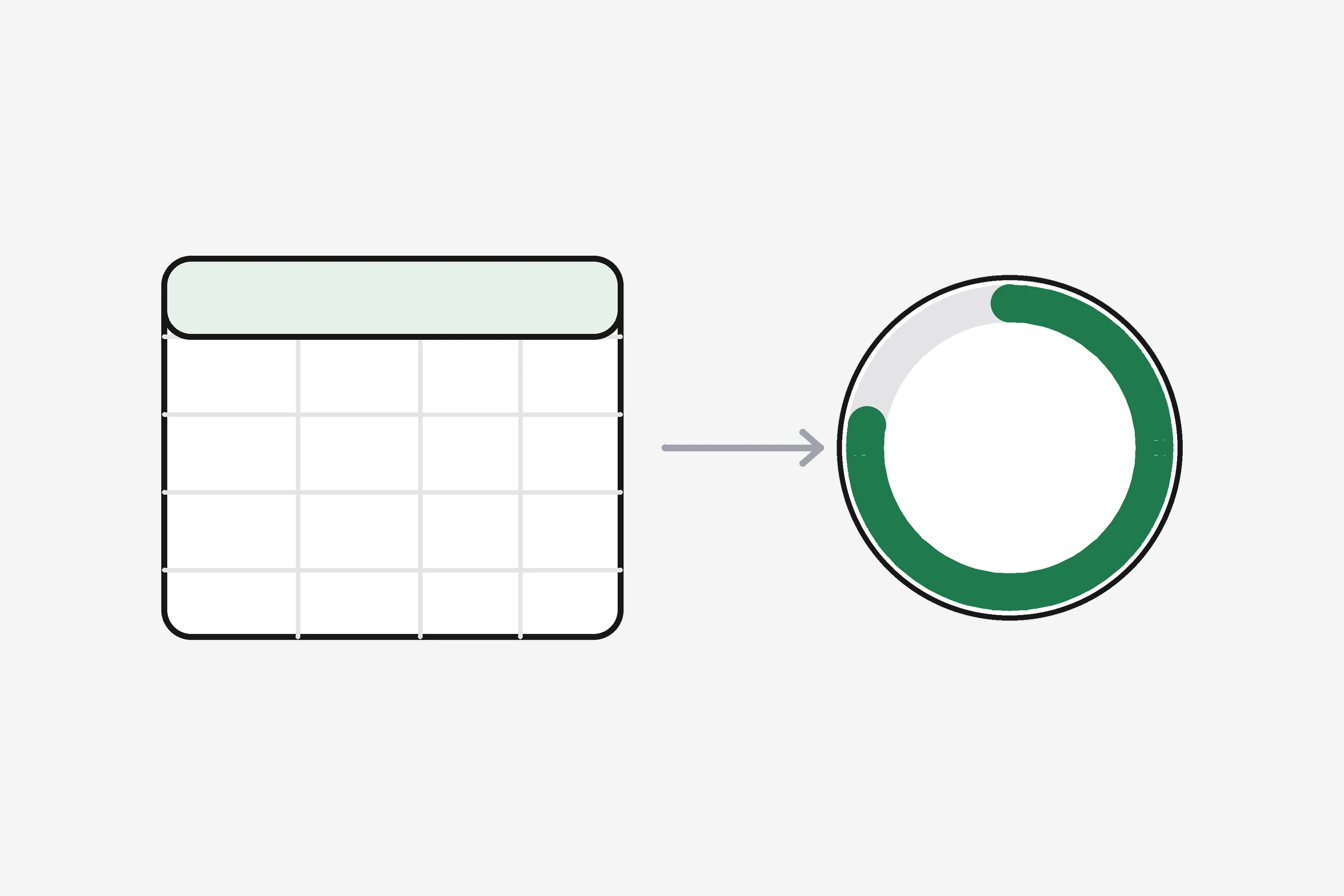
What is a good weekly routine with a workout log spreadsheet?
| Day | Task | Time |
|---|---|---|
| After each session | Fill today’s row before bed | 2–3 min |
| Sunday | Count strength days; read sleep average | 5 min |
| First of month | Copy last month’s tab if the file is huge | 2 min |
| When load stalls 3 weeks | Open Notes and compare same lift | 10 min |
Pair the sheet with rest days guidance: if recovery scores are 1–2 for five days, the next row should say easy or rest, not personal record attempt.
For team accountability, share a view-only link in Google Sheets or export a PDF — not editable cells for the whole group. The workout challenge with friends guide covers in-app streaks when you outgrow a static file.
How do you move from a spreadsheet to revns without losing history?
- Download the workout log template or keep your own CSV with a Date column.
- Log for one to two weeks until columns feel stable.
- Import via spreadsheet import: each column becomes a metric; weird one-off columns survive as custom metrics.
- Re-import anytime; same dates update instead of duplicating.
- Use one-line logging or sessions for detail after import if you want faster daily entry.
The simple workout tracker guide is the next step when a row per day feels slow. The workout split tracker guide adds rotation logic on top of the same numbers.
What should you do this week?
- Copy the free template into Google Sheets or Excel.
- Delete columns you will never use; add one custom column max.
- Log today with split label, one lift line in Notes, sleep and recovery.
- Set a Sunday alarm to count strength days (target ≥2).
- If you already have six weeks of rows, try the sample CSV to see import shape.
- Optional: log resting heart rate on hard weeks and compare with resting heart rate by age.
When should you see a professional?
See a clinician if you notice:
- Chest pain, fainting or breathlessness at light effort
- Joint pain in the same spot for more than two weeks despite lighter rows
- Planned weight loss you did not intend, or eating disorder patterns tied to the log
- Low mood on most days for more than two weeks, or thoughts of self-harm — contact your local crisis line or emergency services immediately
A physiotherapist or coach can review your sheet export; revns does not replace them.
Related
- Workout log with sets and reps
- Simple workout tracker: log a day in ten seconds
- Is your training going up or down?
- Spreadsheet workout tracker compared with an app
- Spreadsheet import
- Free workout log template (CSV)
This is general training guidance, not medical advice. If you have a health condition, injury or symptoms, talk to a qualified clinician before you change training load.
Sources
- Burke LE, Wang J, Sevick MA. Self-monitoring in weight loss: a systematic review of the literature. J Am Diet Assoc 2011
- Saw AE, Main LC, Gastin PB. Monitoring the athlete training response: subjective self-reported measures trump commonly used objective measures. Br J Sports Med 2016
- Bull FC, Al-Ansari SS, Biddle S, et al. World Health Organization 2020 guidelines on physical activity and sedentary behaviour. Br J Sports Med 2020
- Michie S, Abraham C, et al. Effective techniques in health-enhancing physical activity interventions: a meta-regression. Health Psychol 2009
Terms in this post
revns publishes training and nutrition guidance, not medical advice. See a clinician for symptoms, injury or a medical condition. Accurate as of November 18, 2026.