Apple Watch sleep tracking: sleep, HRV and workouts in one day score
Apple Watch tracks sleep stages, overnight heart rate and HRV. Learn what is accurate, what to log for training, and how revns turns Health data into one score.
revns editorial · Published November 15, 2026 · 8 min read
Apple Watch sleep stages, HRV and workouts live in Apple Health. Use duration and trends for training; revns iPhone app reads them into one day score.
Apple Watch sleep tracking records when you slept, estimates Core, Deep and REM stages, and stores overnight heart rate and HRV in Apple Health. For training, the useful signals are usually hours asleep, bedtime consistency, resting heart rate and your own HRV trend — not one perfect stage chart. A sleep tracking app on your phone can turn those fields plus workouts into one day score and a week plan. On revns, the iPhone app reads Apple Health read-only (steps, sleep, resting heart rate, HRV, weight and recorded workouts) so watch data sit next to food and strength detail you log by hand.
TL;DR
| Question | Plain answer |
|---|---|
| What the watch stores | Sleep duration and stages; workout type and duration; daily steps; resting HR; overnight HRV (when worn snugly) |
| Sleep vs wake accuracy | About 95–97% sleep detection sensitivity vs polysomnography in a 2024 study of healthy adults |
| Stage accuracy | Moderate; deep sleep often underestimated in lab comparisons — use trends, not single nights |
| Best for training | 7–9 h habit (default range in revns), RHR and HRV vs your baseline, plus two strength days and 150+ min cardio per week (CDC, WHO) |
| revns today | iPhone app → Apple Health read-only sync; add sets/reps the watch misses |
| vs Oura / Whoop | Often stronger published HRV validation for rings; Apple is good enough for duration + RHR + HRV trends |
| Red flags | Snoring with pauses, gasping awake, fainting, chest pain — clinician, not a ring |
How does Apple Watch sleep tracking work?
Apple’s public Estimating Sleep Stages from Apple Watch technical paper (updated October 2025) describes how the feature evolved. From watchOS 7 (2020) the watch classified each 30-second window as asleep or awake. From watchOS 9 (2022) it added Awake, Core sleep, Deep sleep and REM.
Apple states the classifier relies mainly on accelerometer motion on the wrist. Updates in 2024–2025 incorporated data from the Apple Heart and Movement Study to better catch quiet wake — still periods when you are awake but barely moving, often just before or after sleep.
What you see on iPhone in the Health app under Sleep:
- Time in bed and time asleep
- A stage timeline (Core, Deep, REM, Awake)
- Sleeping heart rate and, when available, HRV samples overnight
- Respiratory rate on supported models (consumer estimate, not a medical device)
You turn tracking on by setting a Sleep schedule or Sleep Focus and wearing the watch. Apple’s user guides note that battery must last the night; many people charge for an hour before bed.
Wear fit matters. Optical heart rate and HRV need skin contact. A loose band during sleep adds noise and can drop stages entirely. If mornings show “no data,” tighten the band one notch or move it higher on the wrist, as Apple recommends for workouts.
Third-party apps (AutoSleep, Sleep++, and others) can read the same sensors but use different formulas. If you switch apps, expect a new baseline — do not compare last month’s score to this week’s on a different app.
Is Apple Watch sleep tracking accurate?
Consumer watches are tested against polysomnography (PSG), the lab gold standard with scalp electrodes. Results depend on one night vs many, healthy sleepers vs patients, and which watch model was worn.
A 2024 study in Sensors compared Apple Watch Series 8, Fitbit Sense 2 and Oura Ring Gen3 with PSG in 35 healthy adults aged 20–50 on one inpatient night. For sleep versus wake, all devices showed ≥95% sensitivity for detecting sleep (Apple 97%, SD 2%). For four-stage classification, Apple Watch sensitivities were 86.1% for light sleep, 50.5% for deep sleep and 82.6% for REM versus PSG. Apple underestimated deep sleep by about 43 minutes on average and overestimated light sleep by about 45 minutes in that sample. The authors note that single-night lab tests overstate agreement compared with all-day home use, because quiet evening wake is rare in a scheduled sleep lab.
A 2025 study in Sleep Advances tested six wrist devices including Apple Watch Series 8 against PSG in 62 adults (mean age 46, mostly men) on one lab night. Cohen’s κ for Apple was 0.53, the highest among devices tested — fair to moderate agreement with PSG for multistage sleep. All wearables detected >90% of sleep epochs but had lower specificity for wake (Apple 52% of wake epochs correct). The authors conclude wearables can track prolonged shifts in sleep architecture but still benefit from algorithm improvements.
Practical takeaway for athletes: trust total sleep time and bedtime/wake regularity more than whether Deep was 52 or 61 minutes on one night. If Deep and REM trend down for weeks while you feel wrecked, that is a signal to fix schedule, stress and load — not proof of a disorder by itself.
What about Apple Watch HRV and resting heart rate?
HRV on Apple Watch is usually reported as SDNN or vendor-processed values in Health, depending on version and view. Overnight and morning readings reflect parasympathetic tone when you are still. That is why coaches often look at morning HRV on a consistent schedule, not random daytime dips.
A 2025 validation study of 536 nights across brands (cited in our Whoop vs Oura guide) found Oura Gen 3 and 4 among the strongest agreement with ECG for overnight resting heart rate and HRV; Whoop 4.0 showed acceptable agreement. Apple Watch is widely used but not always the top performer in every overnight HRV paper. For you, same device, same conditions, same trend line beats comparing absolute numbers with a training partner on another brand.
Resting heart rate from the watch or from a manual morning check belongs in the same log as sleep hours. A resting heart rate several beats above your usual for three or more mornings, plus short sleep, is a fair reason to ease training before you get sick — general habit guidance, not a diagnosis.
How do workouts fit with sleep on the same day?
Apple Watch closes Move, Exercise and Stand rings and logs HKWorkout sessions: start time, duration, distance where relevant, average heart rate and estimated energy. That covers runs, rides, strength, yoga, swimming and third-party apps that write to Health.
CDC and WHO both advise adults to aim for at least 150 minutes of moderate aerobic activity per week or 75 minutes of vigorous activity, plus muscle-strengthening on two or more days. A closed Exercise ring or a logged Outdoor Run can count toward minutes; rings alone do not prove you squatted with meaningful load.
Sleep and hard training interact:
- Hard intervals or heavy deadlifts late in the evening can delay sleep onset in some people.
- Short sleep raises perceived effort the next day even when heart rate zones look normal.
- Back-to-back hard days without a low night between them show up first in HRV drift and mood, not always in ring closure.
Logging both last night’s sleep and today’s session in one place is what makes a day score honest. Our Apple Health workout tracker guide covers workouts in depth; this post focuses on sleep and recovery signals beside them.
How do you get sleep, HRV and workouts into one day score?
Apple Health is a vault, not a training programme. It rarely answers: Should today be hard after three short nights? Did I hit two strength days this week? Is my protein on plan?
revns scores each day from metrics you care about — sleep in range, recovery rating, training done, nutrition on plan — and feeds a week plan that can soften today when sleep is under your floor. Today’s product path for Apple users:
- Wear the watch and let sleep and workouts write to Health.
- Install the revns iPhone app, connect Apple Health in setup (read-only permission).
- First sync pulls about a month of history for steps, sleep, resting heart rate, HRV, weight and workouts.
- Add what the watch cannot see: barbell sets and reps, class notes, meals, subjective recovery 1–5.
- Optional: connect MCP so Claude or ChatGPT reads the same log — see Apple Health with Claude and ChatGPT.
Android, Strava, Garmin, Whoop, Oura and Fitbit direct sync in revns remain on the roadmap; until then, log with one line, sessions or spreadsheet import. Do not claim live integrations that are not shipped.
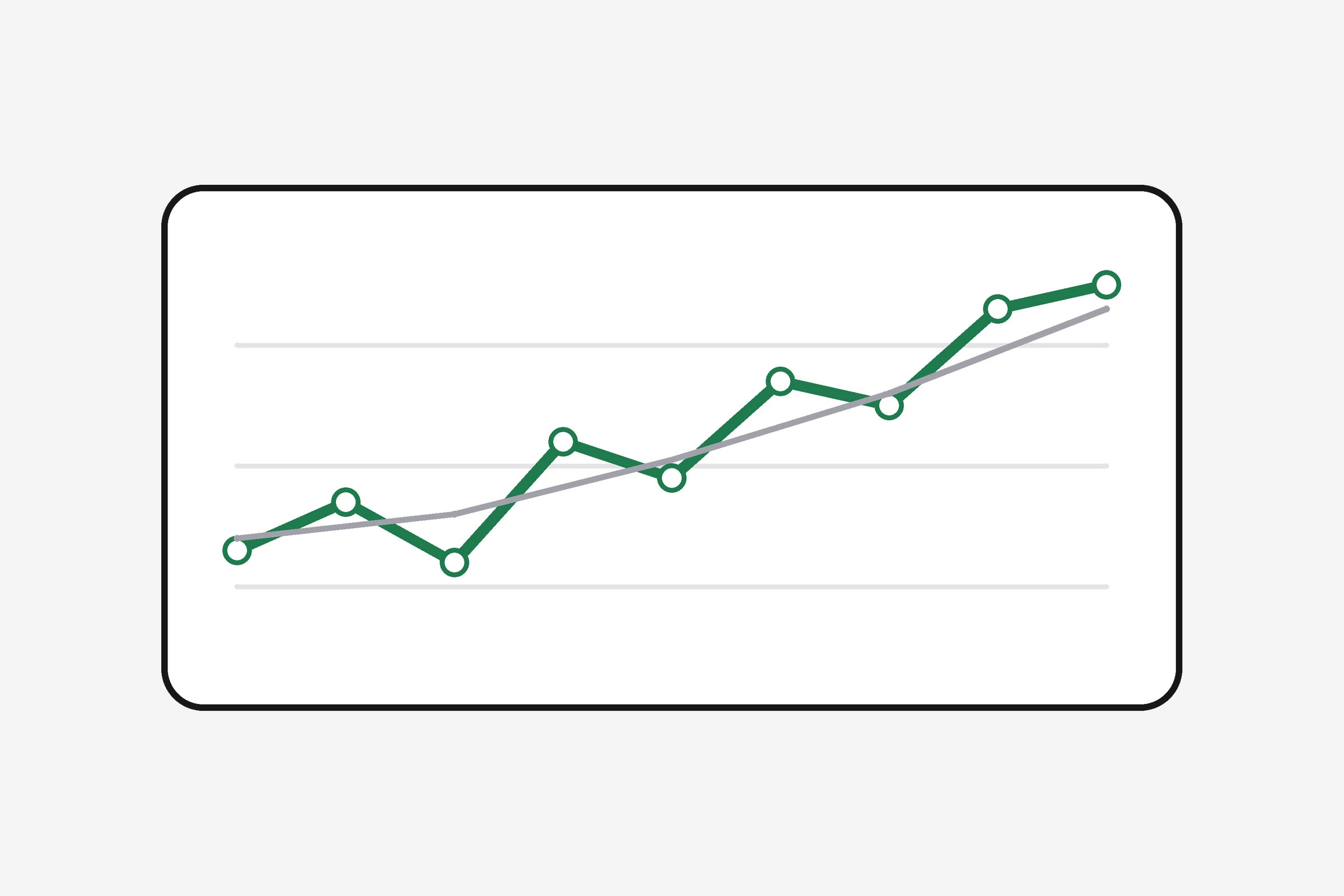
Apple Watch vs Oura or Whoop for sleep and recovery
Dedicated recovery bands market one morning score. Apple splits data across Sleep, Heart and Fitness without a single branded “recovery percentage.”
| Apple Watch + Health | Oura / Whoop (typical) | |
|---|---|---|
| Overnight focus | General smartwatch; battery and alerts compete with sleep | Ring or band positioned for overnight HR/HRV |
| Morning number | No single recovery score; you read sleep + HR trends | Readiness or Recovery 0–100 |
| Published stage validation | Moderate κ (~0.53) in 2025 six-device study | Often strong in single-night PSG studies; formulas differ |
| Cost model | Hardware upfront; no subscription required for basic sleep | Hardware plus subscription on Whoop; Oura has optional membership |
| Best if | You already own the watch and want one Health vault | You want one readiness number and wear a sleep-first device |
Neither replaces how much sleep you need for your age and load. Read our Whoop vs Oura vs a free tracker piece before you buy a second device.
What should you do this week?
- Pick a wake time you can hold seven days (see what time should I wake up).
- Check three mornings: hours asleep, resting heart rate, optional HRV — note whether they match how you feel.
- Charge policy: top up the watch before bed or use a second morning charge window so nights are not blank.
- Sunday review: average sleep hours, count hard vs easy sessions; use the sleep calculator if bedtime drifted.
- If you use revns, connect Apple Health once and add one strength session detail the watch missed — that is the gap most lifters care about.
When should you see a clinician about sleep?
Go to urgent or emergency care for chest pain, fainting, new confusion, or trouble breathing.
Book a routine appointment if you have:
- Loud snoring and breathing pauses someone else notices
- Waking gasping or choking
- Sleepiness that makes driving unsafe most days
- Insomnia most nights for more than three months despite a steady schedule
- Leg restlessness that forces movement nightly
Apple markets sleep apnea notifications on some models in some regions; that is not a diagnosis. Follow up with a clinician if you get an alert.
This is general training guidance, not medical advice.
Related
- What is HRV? Heart rate variability explained
- What is a good HRV score?
- Apple Health workout tracker: one training log
- Whoop vs Oura vs a free tracker
- Sleep and recovery tracking
- Sleep calculator
- Heart rate zone calculator
Sources
- Apple Inc. Estimating Sleep Stages from Apple Watch (technical paper, updated October 2025)
- Higgins S et al. Accuracy of Three Commercial Wearable Devices for Sleep Tracking in Healthy Adults. Sensors 2024;24(20):6532
- Gottlieb E et al. A performance validation of six commercial wrist-worn wearable sleep-tracking devices for sleep stage scoring compared to polysomnography. Sleep Adv 2025;6(2):zpaf021
- CDC. Physical Activity Guidelines for Adults
- WHO. Physical activity
Terms in this post
revns publishes training and nutrition guidance, not medical advice. See a clinician for symptoms, injury or a medical condition. Accurate as of November 15, 2026.