Apple Health with Claude and ChatGPT: three ways to ask an AI about your data
ChatGPT Health links Apple Health on iPhone in the US. Claude has no native Health connector. Here are three routes, privacy checks and a training plan.
revns editorial · Published November 15, 2026 · 9 min read
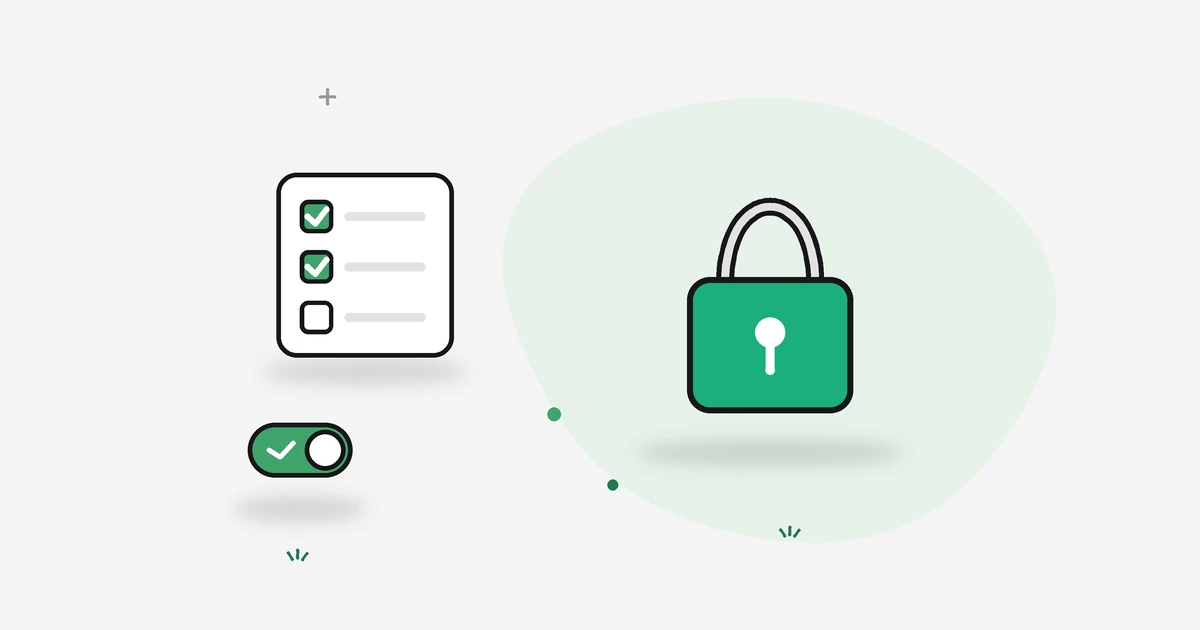
Three ways to bring Apple Health data into Claude or ChatGPT: ChatGPT Health on iPhone, revns with MCP, or wearables that write to Health first.
You can ask an AI about Apple Health data in three practical ways: link Apple Health to ChatGPT Health on iPhone (ChatGPT only), sync Apple Health into revns on iPhone and connect Claude or ChatGPT through MCP, or send wearable and nutrition app data into Apple Health first, then use either path. Claude has no native Apple Health connector today; ChatGPT's built-in Health experience is the direct Apple route. This guide compares setup, privacy, and what each assistant can actually do with your steps, sleep, heart rate and workouts. It is training and wellness guidance, not medical advice.
TL;DR
| Path | Best for | Assistant | Apple Health link |
|---|---|---|---|
| 1. ChatGPT Health | Questions about labs, records, sleep trends in chat | ChatGPT | Direct in ChatGPT iOS app |
| 2. revns + MCP | A week plan, goals, logging, Claude or ChatGPT | Claude, ChatGPT, Cursor, Claude Code | Through revns iPhone app (read-only) |
| 3. Wearable → Health → AI | Oura, Whoop, Garmin data that already feeds Health | Then path 1 or 2 | You enable sharing in each app |
| Quick answer | Detail |
|---|---|
| Can ChatGPT access Apple Health? | Yes, via Health in ChatGPT on eligible U.S. accounts with iPhone |
| Can Claude access Apple Health? | Not directly; use MCP after data is in a tracker |
| Regions | OpenAI documents U.S. eligibility for Health; check your app for local status |
| Training vs clinical | ChatGPT Health can include medical records; revns stays on training logs |
What is Apple Health, and what can an AI actually read?
Apple Health on iPhone is the hub where Apple Watch, iPhone, and third-party apps store workouts, steps, sleep, heart rate, HRV, weight and more. Apple's documentation describes workout samples as structured records with activity type and duration. That library is useful to an AI only when you grant a specific app permission to read chosen categories.
An assistant does not see your entire phone. It sees categories you allow on the iOS permission sheet, plus whatever partner apps successfully wrote to Health. Proprietary scores (some recovery indexes, for example) may not copy cleanly; OpenAI's help centre notes that information available to ChatGPT varies by app and metric.
For everyday training, the high-value fields are usually:
- Workouts (type, duration, distance, average heart rate)
- Steps and active energy
- Sleep (duration and stages when the source provides them)
- Resting heart rate and HRV when your watch records them
- Body mass if you track weight
Lifting detail (sets, loads, rotation groups) still needs your words unless you log them in a tracker. Our Apple Health workout tracker guide walks through that gap.
Way 1: Connect Apple Health inside ChatGPT Health
OpenAI introduced ChatGPT Health in January 2026 and expanded Health in ChatGPT to more U.S. users on web and iOS in July 2026. OpenAI's help article Health in ChatGPT states that eligible logged-in users in the United States can connect Apple Health on iOS, plus optional U.S. medical record sources. Connecting Apple Health requires an iPhone.
How to connect Apple Health to ChatGPT
OpenAI's steps, paraphrased for clarity:
- Open Health from the ChatGPT sidebar (you may need the More menu).
- Select Connect Health or Get started.
- Choose Apple Health and follow the in-app prompts.
- On iPhone, pick data categories on Apple's permission screen and tap Allow.
- Wait for sync; OpenAI says large histories can take several minutes.
Later, OpenAI says you can open Health, the more options (•••) menu, Apple Health, and adjust categories.
What ChatGPT Health is built to do
OpenAI positions Health to summarize connected information, compare new lab results with older ones when you link records, and explore how sleep, activity and workouts relate to your routines. That can answer searches such as how to use Apple Health with ChatGPT or can ChatGPT analyze Apple Health data for wellness questions.
It is not a substitute for emergency care. OpenAI states Health is designed to support, not replace, medical care and is not intended for diagnosis or treatment. If you have chest pain, fainting, thoughts of self-harm, or other urgent symptoms, contact emergency services or a crisis line in your country; do not wait for a chat reply.
Privacy and training data
OpenAI's Health Privacy Notice describes what happens when you link Apple Health and optional medical sources. OpenAI also states that connected health data is not used to train foundation models, and that you choose when ChatGPT may use Health data under Settings → Plugins → Health (the default permission follows your global Plugins setting unless you change it). Read the notice before you connect, and review connected sources periodically.
Limits worth knowing
- ChatGPT only: this path does not give Claude access.
- Region and account: if you do not see Health, OpenAI says it may not be available for your account yet; searches such as apple health chatgpt uk or apple health chatgpt europe often reflect rollout limits rather than a hidden setting.
- No persistent training plan layer: ChatGPT excels at answers in chat; it does not automatically maintain a multi-week goal pace and day score unless you also use a tracker or prompts. For plan memory, see way 2.
Way 2: Apple Health → revns iPhone app → MCP → Claude or ChatGPT
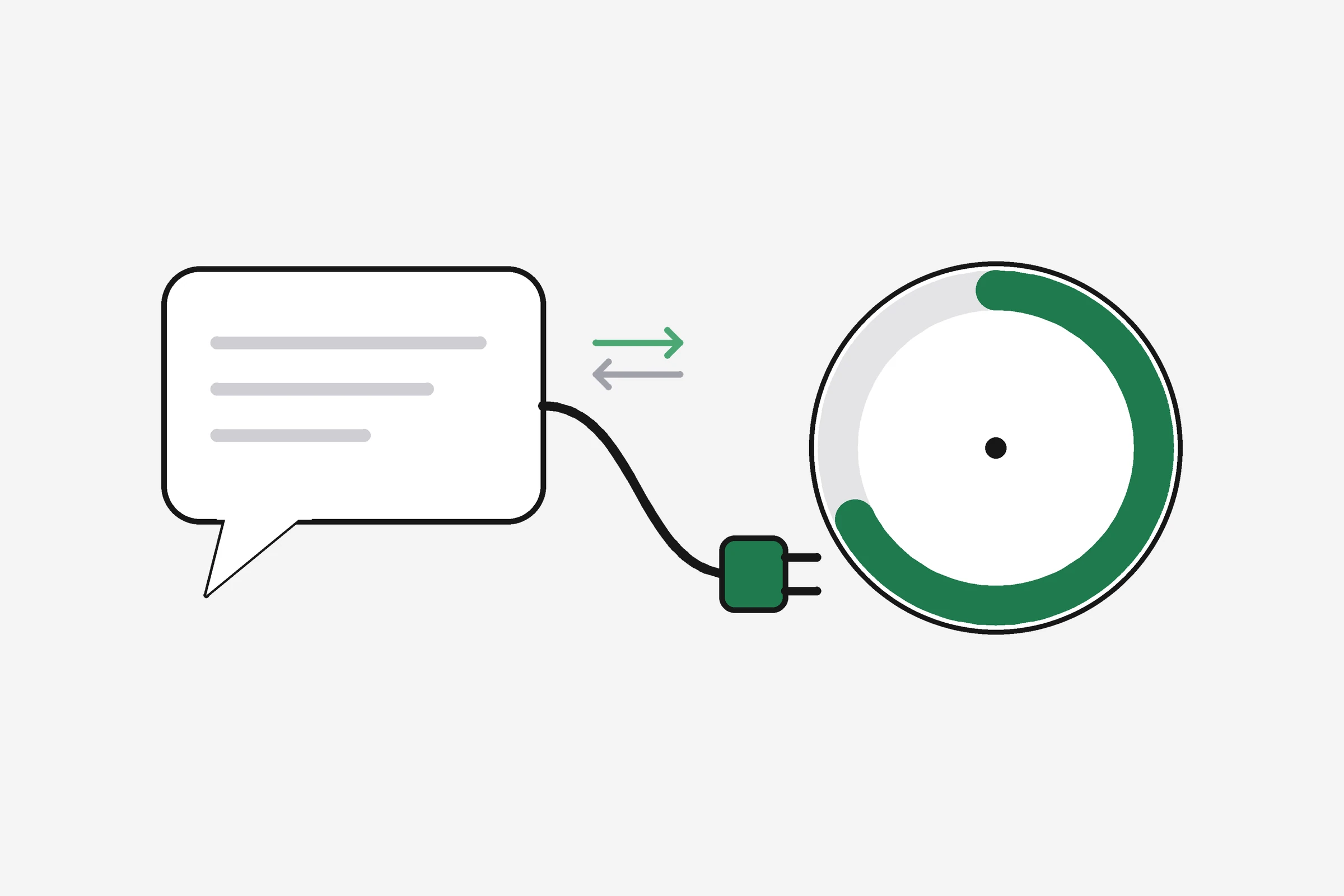
Claude cannot open Apple Health the way ChatGPT does. Anthropic's consumer connectors are for custom MCP servers and approved integrations, not for a system-wide Health vault on iPhone. The practical Claude path is: copy Health into a training log you control, then connect that log's MCP server.
revns follows that pattern today:
- Install revns on iPhone and connect Apple Health (read-only). The app pulls steps, sleep, resting heart rate, HRV, weight and recorded workouts, and can backfill roughly a month on first sync, as described in our Apple Health workout tracker guide.
- Log what Health misses — sets, meals, mood — with one-line logging or sessions.
- Add the revns MCP server in Claude, ChatGPT, Claude Code or Cursor: paste the endpoint from /mcp, sign in with OAuth, and choose read or read plus write scopes.
How to connect Apple Health to Claude with MCP
In Claude (web or app), OpenAI's competitor path looks like this, matching revns documented steps in /mcp/claude:
- Open Settings → Connectors.
- Add custom connector and paste the revns MCP URL.
- Sign in when the browser opens; approve read first if you only want answers.
- In a new chat, enable the connector from the tools menu and ask, for example, "What should I train today given last night's sleep and this week's load?"
The assistant then calls tools such as get_today, get_trends or get_week_plan (see the tool list on /mcp). With write permission, it can quick_log a session or plan_day when you trust it to change data.
The same connector works in ChatGPT if you prefer ChatGPT's model but still want goal pace, meals and a week plan in one place. That is different from ChatGPT Health, which links Apple inside ChatGPT without going through revns. Many people use Health for clinical questions and revns MCP for training decisions.
Why this path fits searches like "apple health claude mcp"
Community MCP servers that scrape Apple Health from a laptop exist, but they usually need local install, passwords or tokens in config files, and are often read-only. revns runs a hosted remote server with OAuth 2.1 and PKCE, separate read and write scopes, and labels for assistant-made changes. If you only need a one-off export, a CSV import into revns works too; if you want daily sync, the iPhone Health link is simpler.
What to ask once Claude or ChatGPT can see your log
Questions that use your numbers, not averages from the internet:
- "Did I hit two strength days and 150 moderate minutes this week?" (maps to CDC and WHO floors; see rest days guide)
- "Is my resting heart rate drifting up after three hard days?" (pair with normal resting heart rate)
- "Plan tomorrow lighter; sleep was under six hours." (uses recovery in training ideas)
Start with read-only for a week. Turn on write only if you want the assistant to log on your behalf and you are willing to review entries.
Way 3: Send wearable data to Apple Health, then use way 1 or 2
Many people do not record every metric on Apple Watch alone. Oura, Whoop, Garmin, Strava and nutrition apps can write some fields into Apple Health when you turn on sharing in each vendor app. OpenAI's help centre explains that after Apple Health is linked to ChatGPT, ChatGPT may use what those apps expose through Health, not necessarily every proprietary strain score.
The workflow:
- In the wearable or nutrition app, enable Apple Health (or "Connect to Health") and select categories (sleep, heart rate, workouts, nutrition).
- Confirm data appears in the Health app on iPhone.
- Choose ChatGPT Health (way 1) for conversational summaries, or revns sync plus MCP (way 2) if you want Claude, goal tracking and assistant logging on the same plan.
revns does not yet offer direct sync from Strava, Garmin, Whoop or Oura; those integrations are on the roadmap. Until they ship, Apple Health as a bridge is the honest route on iPhone, or manual logging on other platforms.
ChatGPT Health vs revns MCP: which should you pick?
| Question you have | Better fit |
|---|---|
| Explain a lab trend with older records | ChatGPT Health (U.S. record linking) |
| Plan this week's runs around sleep debt | revns MCP in Claude or ChatGPT |
| Use Claude with watch data | revns MCP (no direct Health in Claude) |
| Log meals and training in one score | revns MCP write tools |
| One-off wellness question with no tracker | ChatGPT Health with Apple only |
Our /compare/chatgpt-health-alternative page keeps product facts in one place. revns does not import hospital portals; ChatGPT Health does not focus on persistent goal pace and assistant-written week plans.
How to disconnect or limit sharing
ChatGPT: remove or narrow Apple Health in the Health tab, then review iOS Settings → Privacy & Security → Health → ChatGPT.
revns: turn off Apple Health in revns Settings, and disconnect the MCP connector in Claude or ChatGPT Connectors. Revoke write scope first if you only want to pause logging.
General habit: reconnect quarterly, delete connectors you no longer use, and never paste ingest keys or passwords into a chat window.
What to do this week
- List three numbers you care about (sleep hours, weekly strength days, resting heart rate).
- Pick a path: ChatGPT Health only, or revns sync plus MCP if you use Claude or want a week plan.
- Connect the minimum categories on Apple's permission screen; add more only if answers feel thin.
- Ask one grounded question ("How did my sleep and steps move together last week?") and check the answer against the Health app.
- If you enable write tools, review assistant-made logs for seven days.
When to see a professional
Connected data can surface high heart rate, low HRV, or irregular rhythm notifications from a watch. Those are not diagnoses.
Get urgent care for chest pain, fainting, stroke symptoms, or breathing trouble at rest. See a clinician for palpitations with dizziness, resting heart rate that jumps for days without explanation, disordered eating driven by tracking, or mood symptoms that last weeks. In the U.S., call 911; in the U.K., call 999; elsewhere use your local emergency number. If you think about harming yourself, contact emergency services or a crisis line immediately.
Related
- Apple Health workout tracker: one training log
- Can an AI assistant coach you with your own health data?
- What is a fitness MCP server?
- What is a good HRV score?
- Sleep tracking
- Connect revns MCP
This is general training guidance, not medical advice. Apple, ChatGPT, and Claude are trademarks of their respective owners. revns is not affiliated with Apple, OpenAI or Anthropic.
Sources
Terms in this post
revns publishes training and nutrition guidance, not medical advice. See a clinician for symptoms, injury or a medical condition. Accurate as of November 15, 2026.