Strava MCP connector with Claude and Gemini: connect, ask questions, plan your week
Strava's official MCP connector lets subscribers connect Claude or Gemini with OAuth, read-only. Setup steps, limits, ChatGPT gaps, and using revns MCP alongside.
revns editorial · Published November 15, 2026 · 7 min read
Strava's MCP connector (June 2026) links subscribers to Claude or Gemini for read-only training Q&A. revns MCP adds sleep, meals, goals and write tools; Strava sync in revns is still on the roadmap.
The Strava MCP connector is Strava's official way to let Claude or Google Gemini read your live activity history with OAuth, without exporting a file each time. Strava announced it on 1 June 2026 for subscribers; it is read-only. It answers searches such as strava mcp connector claude and strava launches mcp connector. It does not replace a full training plan tool: Strava itself says assistants may answer differently from the app, and ChatGPT is not listed on Strava's connector page as of November 2026. Many athletes pair Strava MCP for activity depth with revns MCP for sleep, meals, goals and write access. This guide covers setup, limits, privacy, and what to do this week. It is general training guidance, not medical advice.
TL;DR
| Topic | Answer |
|---|---|
| Launch | Strava press release, 1 June 2026; Gemini added per Strava Help Center (October 2026) |
| Who can connect | Paid Strava subscriptions (and listed bundles and plans) |
| Assistants listed by Strava | Claude and Google Gemini |
| ChatGPT | Not listed on Strava's official MCP help page (November 2026) |
| Read or write | Read-only — no uploads, edits, or deletes |
| Data access | Live activities, trends, training load-style questions, gear, streaks; stream, GPS and power where Strava holds them |
| revns Strava sync | On the roadmap, not live; Apple Health on iPhone is live read-only |
| Typical stack | Strava MCP for run and ride history; revns MCP for week plan, sleep, meals, quick_log write tools |
| Step | Claude (web) | Strava app or site |
|---|---|---|
| 1 | Customize → Connectors → Discover → Strava | Settings → MCP → choose assistant |
| 2 | Connect and sign in | Approve OAuth |
| 3 | Ask a grounded question | Revoke anytime under My Apps |
What did Strava launch, and why does MCP matter here?
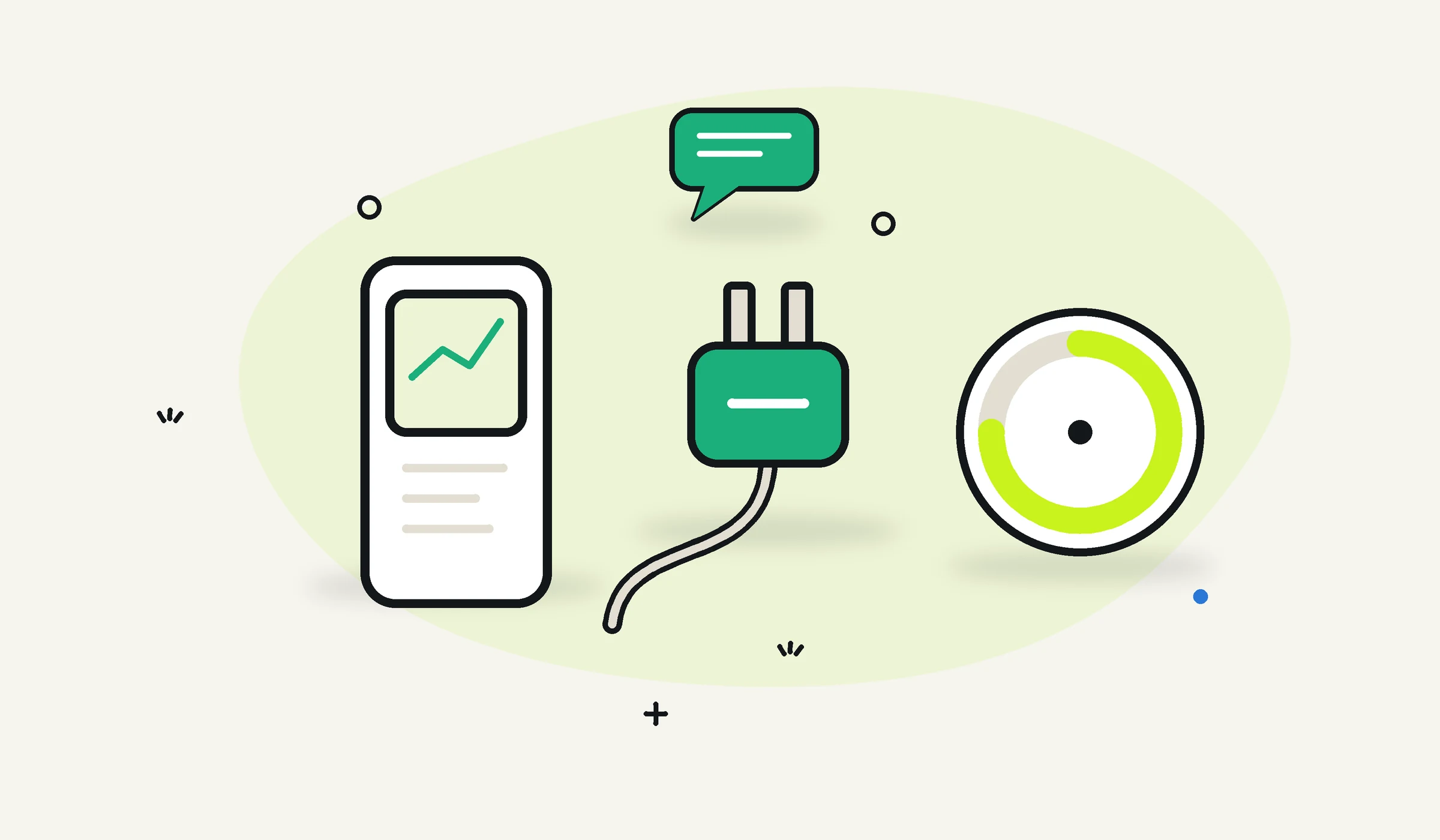
Before the connector, athletes who wanted LLM analysis of Strava data often exported CSV, pasted into a chat, or used unofficial scripts. Strava's 1 June 2026 press release describes the MCP connector as a native, secure path so Claude can query the athlete's own data with read-only access, revocable from Strava settings.
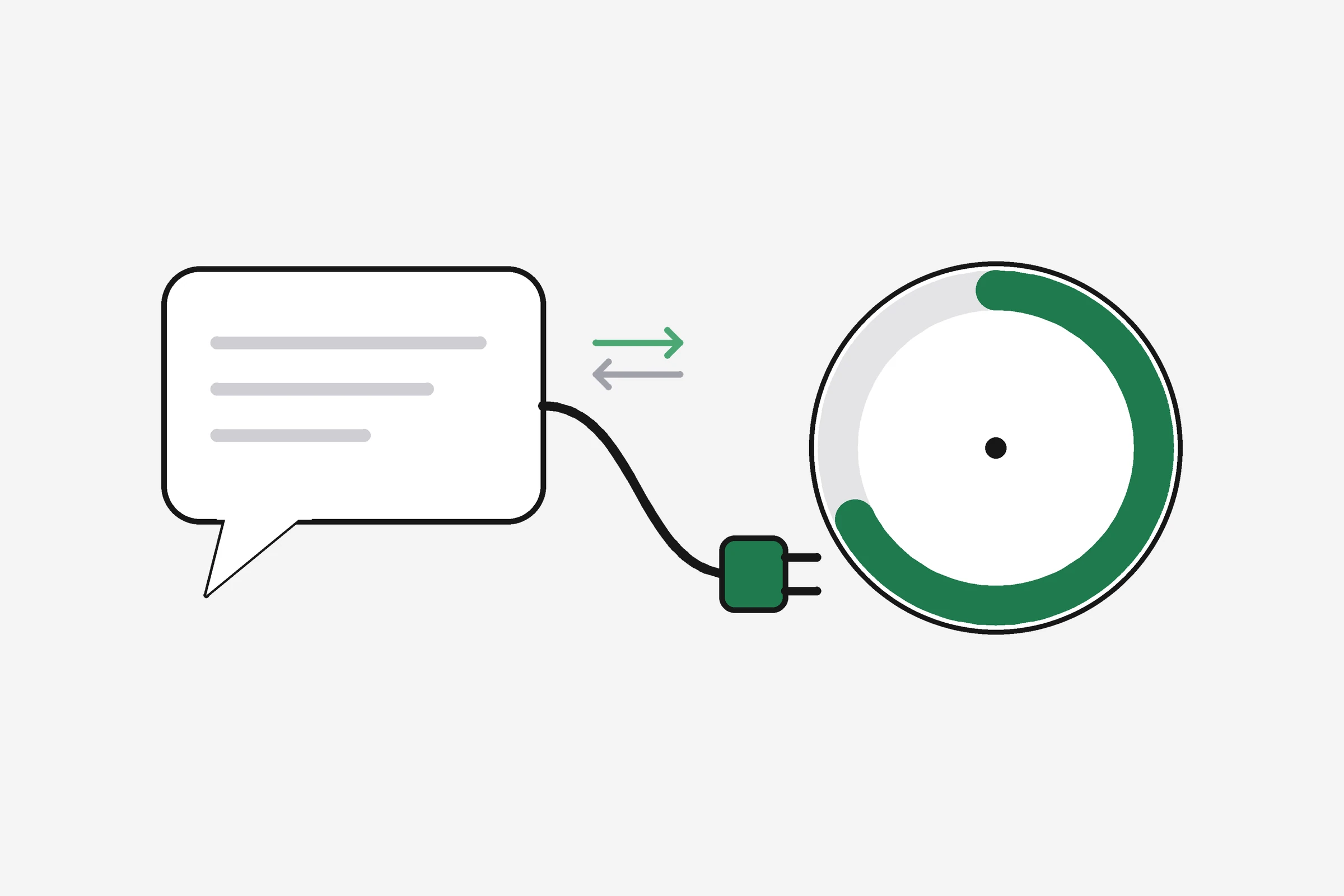
MCP is a standard way for assistants to call tools on a remote server. Strava hosts https://mcp.strava.com/mcp (per its Help Center). You approve OAuth once; each question can pull fresh data instead of a stale upload.
Strava says subscribers can ask plain-language questions such as:
- What types of activities have most improved my fitness?
- Are my easy days easy enough?
- How is my cross-training affecting my running?
Those examples come from Strava's press release and Help Center. They are training analytics, not medical diagnosis.
How do I connect the Strava MCP connector to Claude?
Strava documents three entry points. Pick the one you already have open.
From Strava.com or the Strava mobile app
Strava's Help Center steps:
- Web: profile image → Settings → MCP → choose Claude → follow prompts.
- App: You → Settings → AI Assistants (also under Your Strava Subscription → Tools on some builds).
- Sign in and approve the OAuth screen.
From Claude (web or desktop)
- Open Customize → Connectors.
- Discover, search Strava.
- Connect to Claude, sign in to Strava, approve access.
From Claude Code
Strava lists:
claude mcp add --transport http strava-mcp https://mcp.strava.com/mcp
To disconnect later: claude mcp remove strava-mcp.
For revns, connector steps differ: see Connect fitness data to Claude.
How do I connect Strava to Google Gemini?
Strava's Help Center documents Gemini separately (integration announced in October 2026 on Strava's press site).
Gemini app or web:
- Customize in the sidebar (More first if you do not see it).
- Connectors.
- On mobile, open Inactive if Strava is not visible.
- Find Strava → Add → sign in and approve.
Regional note: Strava says Gemini connection was U.S.-only at launch, with more countries coming. Claude rollout was described as global for subscribers in the June 2026 release. Check Strava's Help Center before you assume Gemini works in your country. If the menu is missing, your account may be on a free tier or your app build may not have rolled out MCP yet; updating the Strava app and confirming an active subscription is the first fix.
Is there a Strava MCP connector for ChatGPT?
People still search strava mcp connector chatgpt, but Strava's official Help Center does not list ChatGPT among supported assistants as of November 2026. That is different from Strava data inside ChatGPT through other products; there is no documented mcp.strava.com custom connector flow for ChatGPT in Strava's docs.
Practical options if you use ChatGPT:
- ChatGPT Health with Apple Health when your watch or phone writes workouts to Health (see our Apple Health and ChatGPT guide).
- Custom connector to revns MCP for a read-write training log (not a Strava mirror).
- Keep Strava analysis in Claude or Gemini and use ChatGPT for a separate tracker, if you accept two hubs.
Do not paste Strava export files into chats that train on your content unless you have read that product's privacy notice.
What can I ask once Strava is connected?
Strava's Help Center says a connected assistant can use Strava data for:
- Activity history and fitness trends
- Cross-sport insights
- Gear, best efforts, activity weather, streaks
- Subscription features such as training analytics outside the Strava app (wording from Strava)
The June 2026 press release highlights per-second streams (heart rate, pace where available), GPS for geography, power on rides, and club and event data at launch.
Strava also warns:
- Answers may differ from Performance Predictions or partner plans (for example Runna) inside the Strava app.
- Rate limits apply: caps on requests per minute and per day (exact numbers not in the public help page we read; expect throttling during heavy use).
Start with narrow, checkable questions:
- "List my last five runs with distance and average pace."
- "Compare this month's ride volume to the same month last year."
- "Show whether my easy runs stayed under aerobic pace last week."
Then move to interpretation. An assistant can suggest a lighter week; it does not know your injury history unless you tell it.
What are the limits, privacy rules, and subscription requirements?
Subscription: Strava lists Strava subscription, Strava + Runna bundle, Family Plan, Student Plan, and military, educator and medical discounts as eligible. Free accounts are not covered in the connector FAQ we read.
Security (Strava's claims):
- Read-only, scoped to your account
- Disconnect anytime from Strava My Apps or the assistant's connector list
- Strava points readers to Claude and Gemini privacy documentation for how those products handle connected data
Training safety: Heavy training load, chest pain, fainting, or a sudden performance collapse need a clinician or emergency care, not a chat summary. Strava MCP is for understanding volume and patterns, not clearing you to train through illness.
How does Strava MCP compare with revns MCP?
Both use OAuth MCP, but the job differs. See also our comparison page.
| Strava MCP | revns MCP | |
|---|---|---|
| Best data | Years of Strava-recorded runs, rides, swims | Your day score: sessions, sleep, steps, meals, mood, goals |
| Write access | No | Yes, with separate write scope |
| Assistant list (official) | Claude, Gemini (Strava docs) | Claude, ChatGPT, Claude Code, Cursor (revns) |
| Device import in revns | Strava sync not live (roadmap) | Apple Health on iPhone live; other devices roadmap |
| Week plan and goals | Not the connector's focus | get_week_plan, set_goal, plan_day tools |
Many people will use both:
- Strava MCP — "How has my threshold run pace trended this season?"
- revns MCP — "I slept 6h and legs are sore; plan tomorrow lighter and log what I did."
That split matches how we described device connectors in what is a fitness MCP server.
What should I do this week?
- Confirm you are a Strava subscriber and see MCP or AI Assistants in Settings.
- Connect Claude or Gemini using Strava's path, not a random third-party URL.
- Ask one factual question you can verify in the Strava app (last ride distance, streak length).
- Ask one training question (easy-day pace discipline, monthly volume).
- If you also use revns, add MCP read-only first, review answers for a week, then add write only if you want logging.
- Bookmark disconnect steps under Strava My Apps before you grant access. The same screen revokes Claude, Gemini, or any other linked assistant in one tap, which is worth testing once before you rely on the connector for a big race block.
Optional: use the running pace calculator to sanity-check paces the assistant quotes against your own recent sessions. If the numbers diverge, trust the Strava activity record first and rephrase the question with a date range.
When to see a professional
See a doctor, physio, or sports medicine clinic for chest pain, fainting, unexplained shortness of breath, stress fracture suspicion, eating disorder patterns tied to training volume, or depression and suicidal thoughts. In an emergency, call local emergency services. In the U.S. you can call or text 988 for suicide and crisis support; in the U.K. Samaritans are on 116 123.
An AI connector does not clear you to return after concussion or cardiac symptoms. Follow clinician guidance.
Related
- What is a fitness MCP server?
- Apple Health with Claude and ChatGPT: three ways
- Can an AI assistant coach you with your own health data?
- Strava MCP vs revns comparison
- Multi-sport workout tracking
- AI fitness coach and week planner
This is general training guidance, not medical advice. Strava, Claude, and Gemini are trademarks of their respective owners. revns is not affiliated with Strava, Anthropic, or Google.
Sources
Terms in this post
revns publishes training and nutrition guidance, not medical advice. See a clinician for symptoms, injury or a medical condition. Accurate as of November 15, 2026.